Personal email, simplified
Send and receive messages, keep conversations together, and organize your inbox to find what you need.
Open your inboxStay connected with Gmail. Send messages, organize conversations, and manage your email with a simple experience designed for everyday life and work.
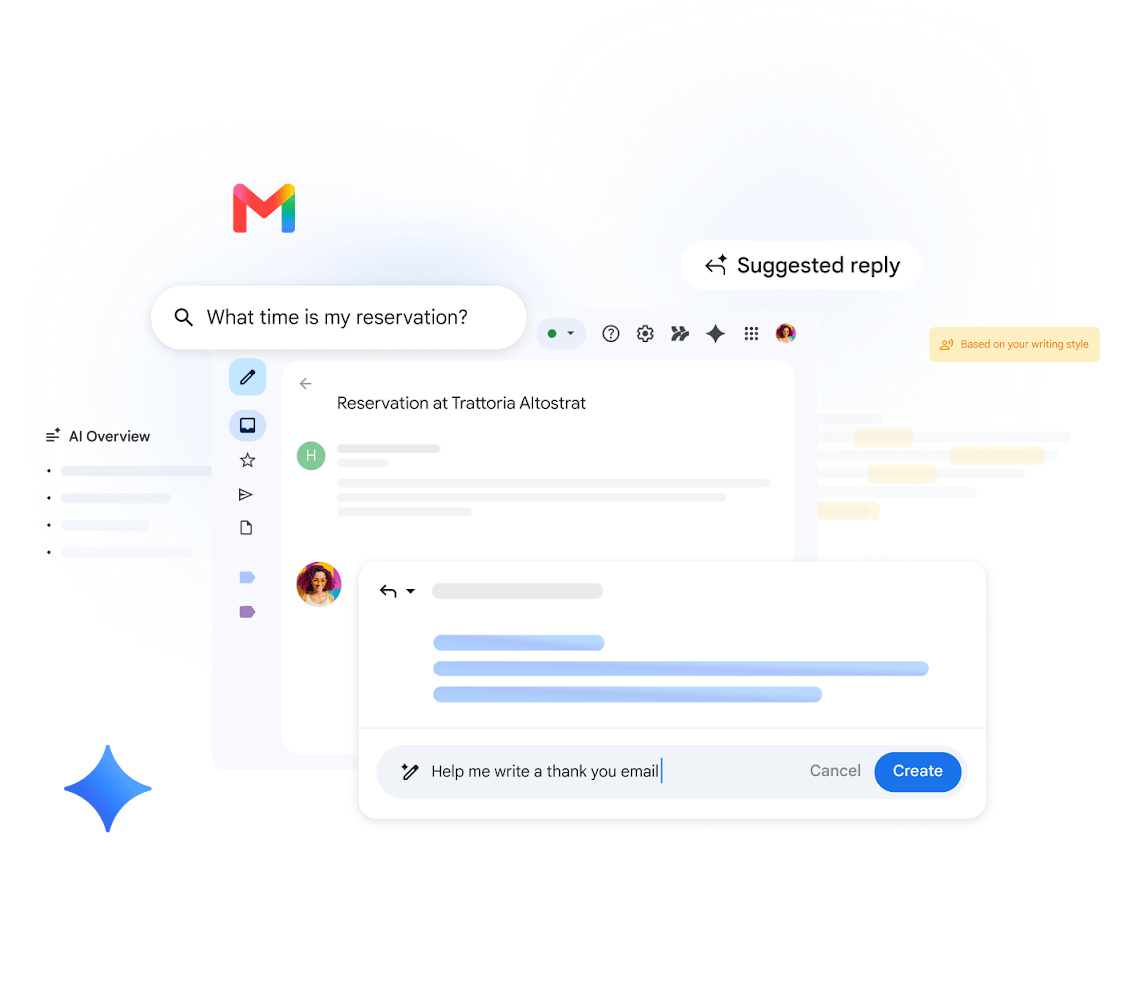
From personal conversations to professional communication, Gmail helps you stay on top of the messages that matter.
Send and receive messages, keep conversations together, and organize your inbox to find what you need.
Open your inboxGoogle Workspace offers Gmail with business email options and tools designed to support organizations.
Explore Google WorkspaceUseful tools help you communicate, stay organized, and access your messages across your devices.
Gmail includes security protections designed to help identify suspicious messages, spam, and phishing attempts.
Find emails and conversations with search tools that help you locate important information.
Use labels, categories, filters, and stars to organize messages around your needs.
Share documents and other files through email, with Google Drive available for larger files and collaboration.
Access Gmail on the web or through supported mobile apps and keep up with your conversations on the go.
Connect your email experience with Google services such as Calendar, Drive, and Meet.
Feature availability may vary by account type, device, region, and Google Workspace plan.
Start using Gmail with a Google Account and access your email from a compatible device.
Create a Google Account if you are new to Gmail, or sign in with your existing account.
Organize your inbox, adjust your settings, and choose how you want to manage your messages.
Send emails, reply to conversations, and share attachments with the people you need to reach.
Choose personal Gmail for everyday communication or explore Google Workspace for business needs.
Start with a Google Account and use Gmail for everyday email and communication.
Personal Gmail is available at no charge, subject to Google's current terms and storage limits.
Get startedExplore business email with a custom domain and additional business tools.
Plans, features, and prices depend on your selected subscription and location.
View official plansLearn the basics of Gmail and find the official resources you need.
Gmail is Google's email service. It lets you send and receive messages, manage conversations, and organize your inbox on supported devices.
Personal Gmail is available at no charge. Google Workspace offers paid business plans with additional features. Check Google's official website for current details.
Yes. Gmail is available through supported mobile apps and web browsers. Visit the official Gmail website to find access options for your device.
Yes. Businesses can explore Google Workspace for professional email addresses using their own domain, alongside collaboration and productivity tools.
Use Google's official account recovery process to regain access to your account. Never share your password or verification codes with anyone.
Visit the official Gmail Help Center for guides, troubleshooting steps, and account support resources.
Open Gmail to check your inbox, create an account, or explore the official help resources.
For account-specific assistance, use Google's official support and recovery resources.