
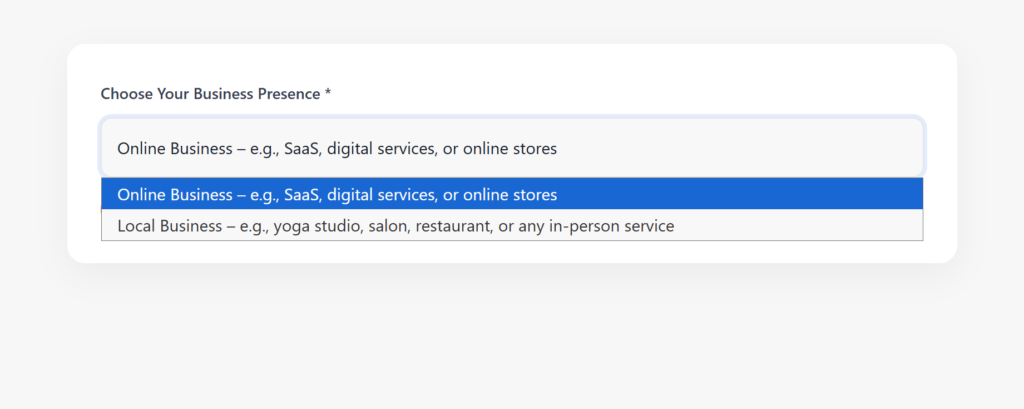
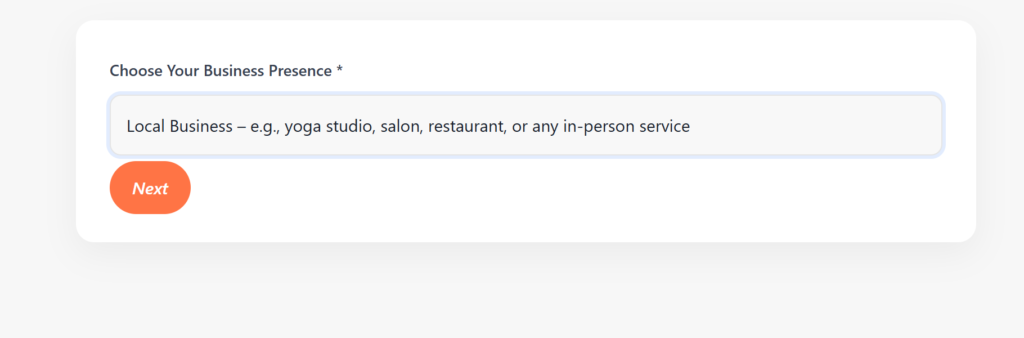
Select the option that best matches your business:
Local Business – physical location (salon, restaurant, gym, etc.)
Online Business – website-only business
Click Next to continue.
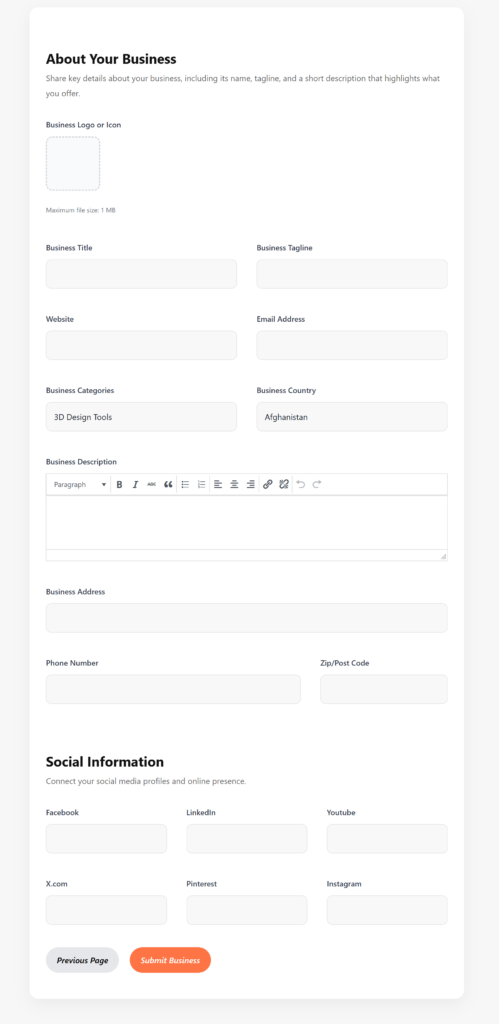
Click the upload area. Accepted file types: usually JPG/PNG; max size noted (e.g., 1 MB).
Upload a square image (recommended 500×500 px) for best display.
Business Title — the official business name (no keywords stuffing).
Business Tagline — a short line that explains your niche.
Website — full URL including https://. If you don’t have one, leave blank or link to your Facebook/Shop.
Email Address — public contact email (used by customers and notifications).
Click the category field and select the most relevant category (you can often select multiple).
Country — choose from the dropdown.
Business Address — full street address (if Local). If you’re a service area business, add the service area and note that in the description.
If the site supports maps/pins, confirm the pin location on the map preview.
This is the most important field for conversions and search visibility.
Use 3 short paragraphs:
What you do (1–2 sentences).
Key services/benefits (bullet-style or short list).
Enter your primary business phone (format: country code if relevant).
Zip/Post code helps for location filtering.
Add URLs for each social profile (Facebook, LinkedIn, YouTube, X.com, Pinterest, Instagram).